Practice Set: Customize Your Plots
## here() starts at /Users/coop/Psych4175Let’s get going, shall we?
You try! The code below is broken. Your job is to fix it!
Bubble Plots
Bubble plots are a lot like scatter plots with an extra size dimension (See here for more). In ggplot2, it’s easy to make! All you have to do is put the size argument inside of aes().
Check it out!
ggplot(data = midus, aes(x = self_esteem, y = life_satisfaction)) +
  geom_point(alpha = .5, aes(size = hostility)) +
  labs(x = "Self-Esteem", y = "Life Satisfaction", title = "Bubble Plot")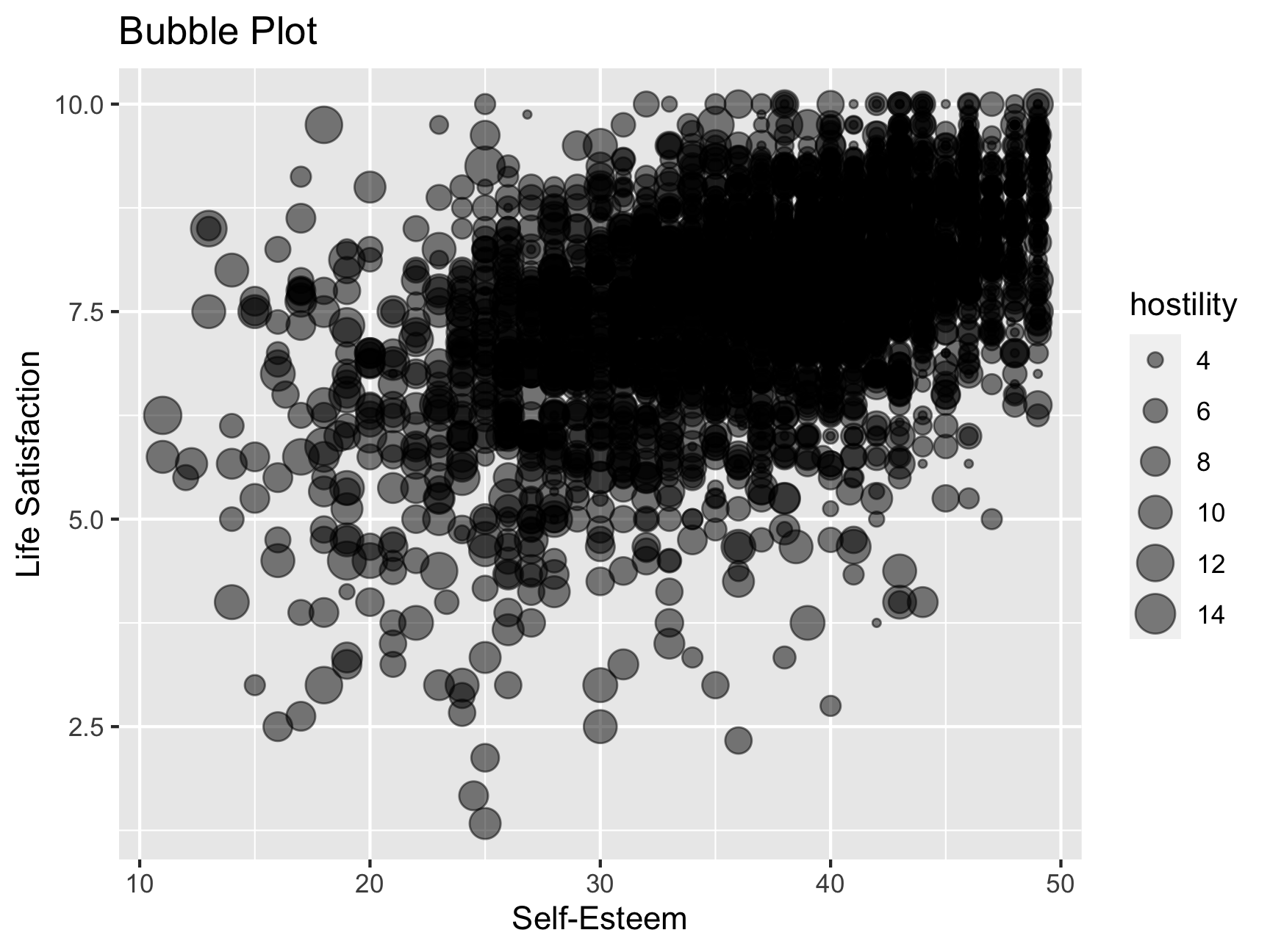
Note that bubble plots are awesome if you work with spatial data (think of a map where a bubble might represent population density).
Color Palettes & Themes
In the lecture slides, we talked about making your plot pretty with color palettes, especially with RColorBrewer. You can use the function display.brewer.all() function to find palettes that you like. It also has very helpful arguments to narrow down the palettes you might like.
You try!
- Look up the help documentation for
display.brewer.all()- Use this function to find a color palette that is good for 3 colors - Include the argumenttype = "qual"- Use an argument to make your color palette colorblind friendly - Pick whichever palette you like, and use it in the code below (in the exercise boxes) - Change the overall theme to be more minimalist
- You might find that some of the categories overlap. Make an adjustment so you can see each distribution more clearly.
Look up the help documentation for display.brewer.all()
Look for the different parameters listed in the box above.
Now implement your color palette and theme changes
Edit the code below to make the plot according to the specifications in the box above (a color palette, a theme, and an adjustment to make the overlapping categories easier to read).
The Ugliest Plot in the World
You try! The code below makes THE ugliest plot ever. Your job is to work backwards and turn this into a plot that is publication-ready (and not super ugly). Do so without deleting any whole layers. Just modify the existing code.
You’re doing GREAT!
